
Track A
Executives
- Build an AI strategy aligned with business goals
- See where AI creates measurable value, and where existing processes stay the better choice
- Leave with a roadmap, milestones and KPIs


WorkshopsAI training for teams
Hands-on workshops from a team that builds AI systems for clients, then teaches what worked and what failed. Built around your workflows, not generic demos.



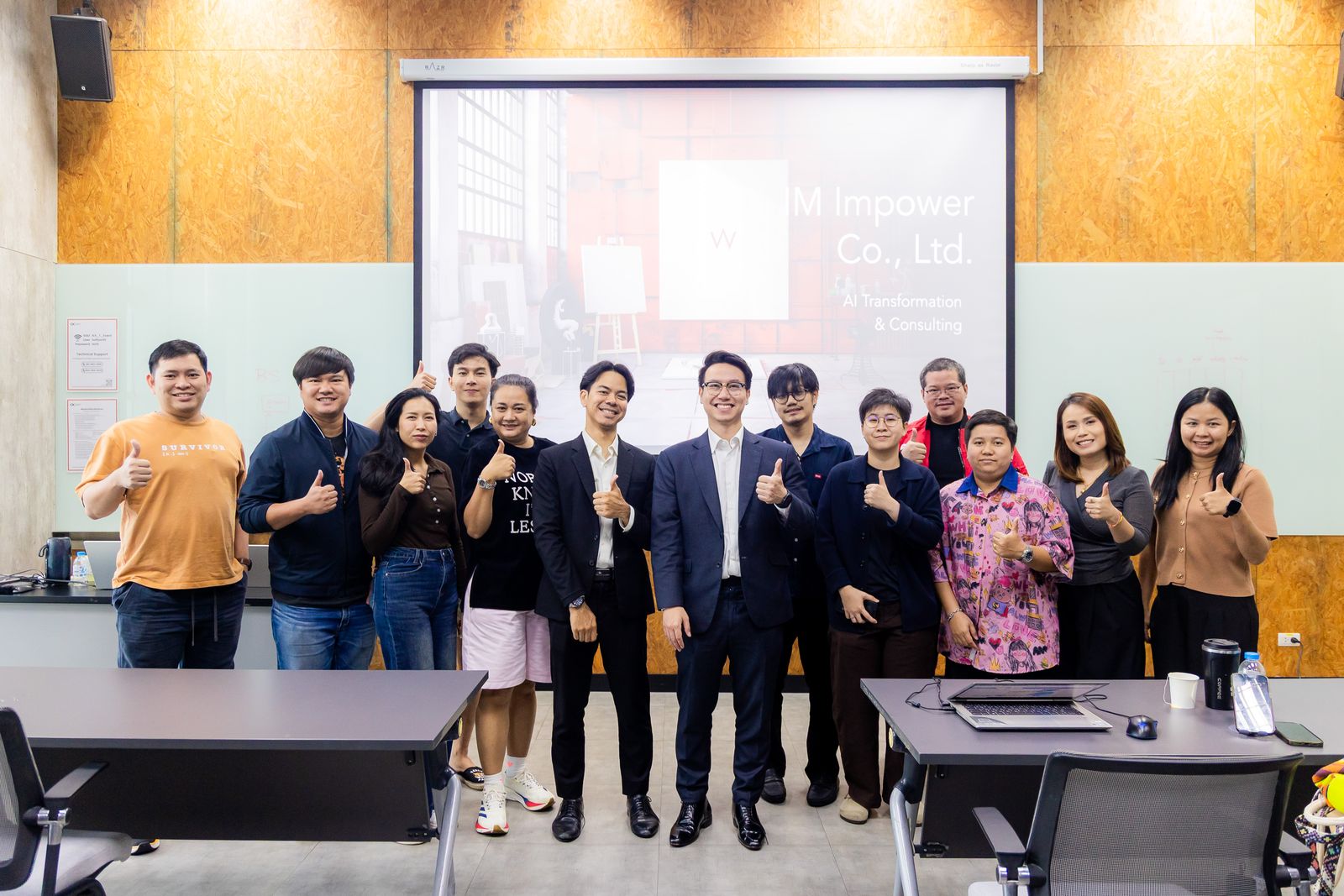
Organizations Joe has trained and run workshops for






















Why IM IMPOWER
Most AI training comes from one of two places: course providers who teach tools they do not deploy, or developers who build systems but do not teach. We do both. The cases in our workshops are projects we designed, built and ran ourselves, so participants hear what actually happens after the demo.


Who it is for
One team or a whole department: we start from the work your people already do, then teach the AI that fits it.
Track A
Track B
Track C
Track D
Track E
Or

Formats
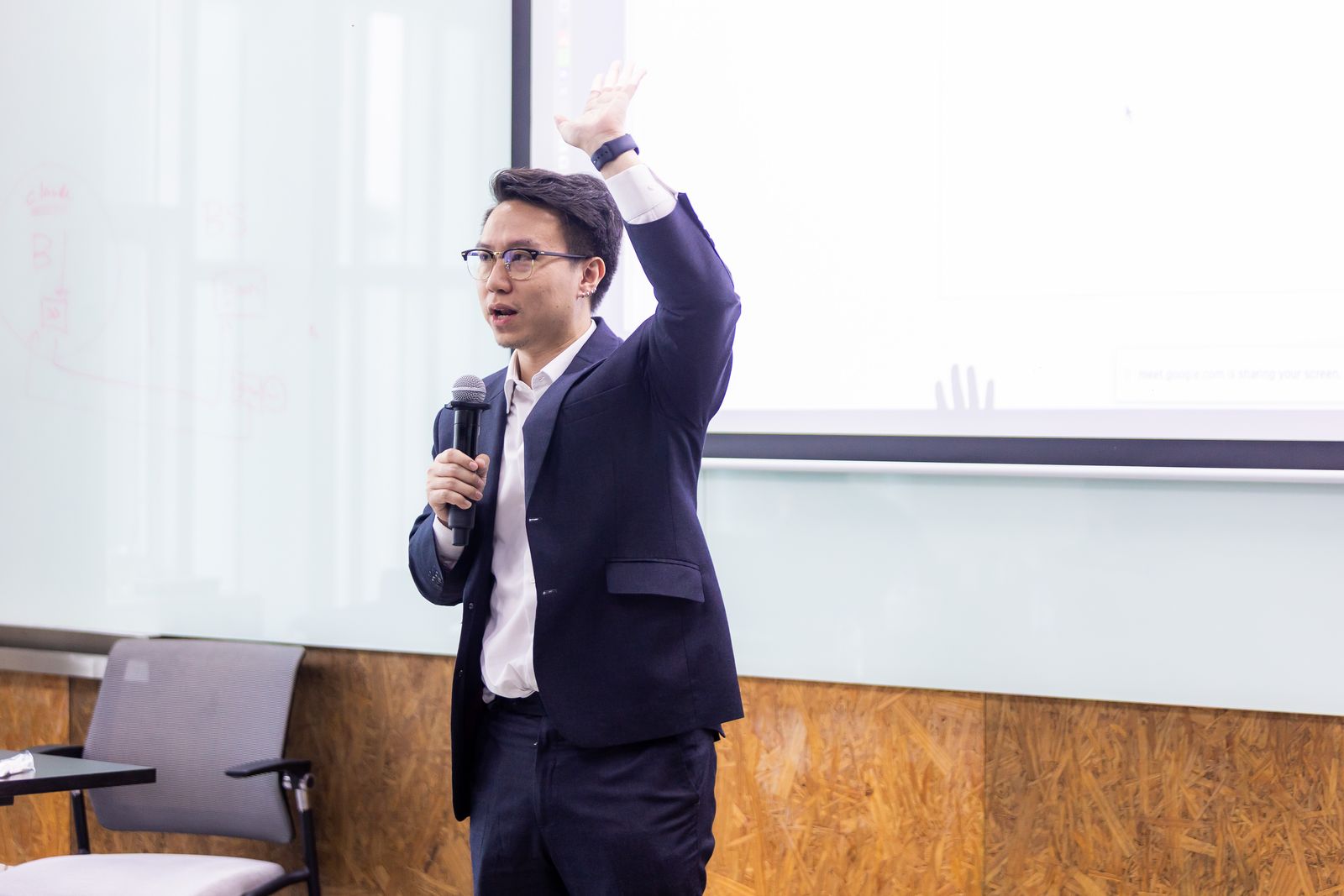
For leadership
A high-level AI strategy session for leadership teams: what is real, what is hype, and where to start.

Organization-wide
Build AI literacy across the company and a shared understanding of what AI can and cannot do.
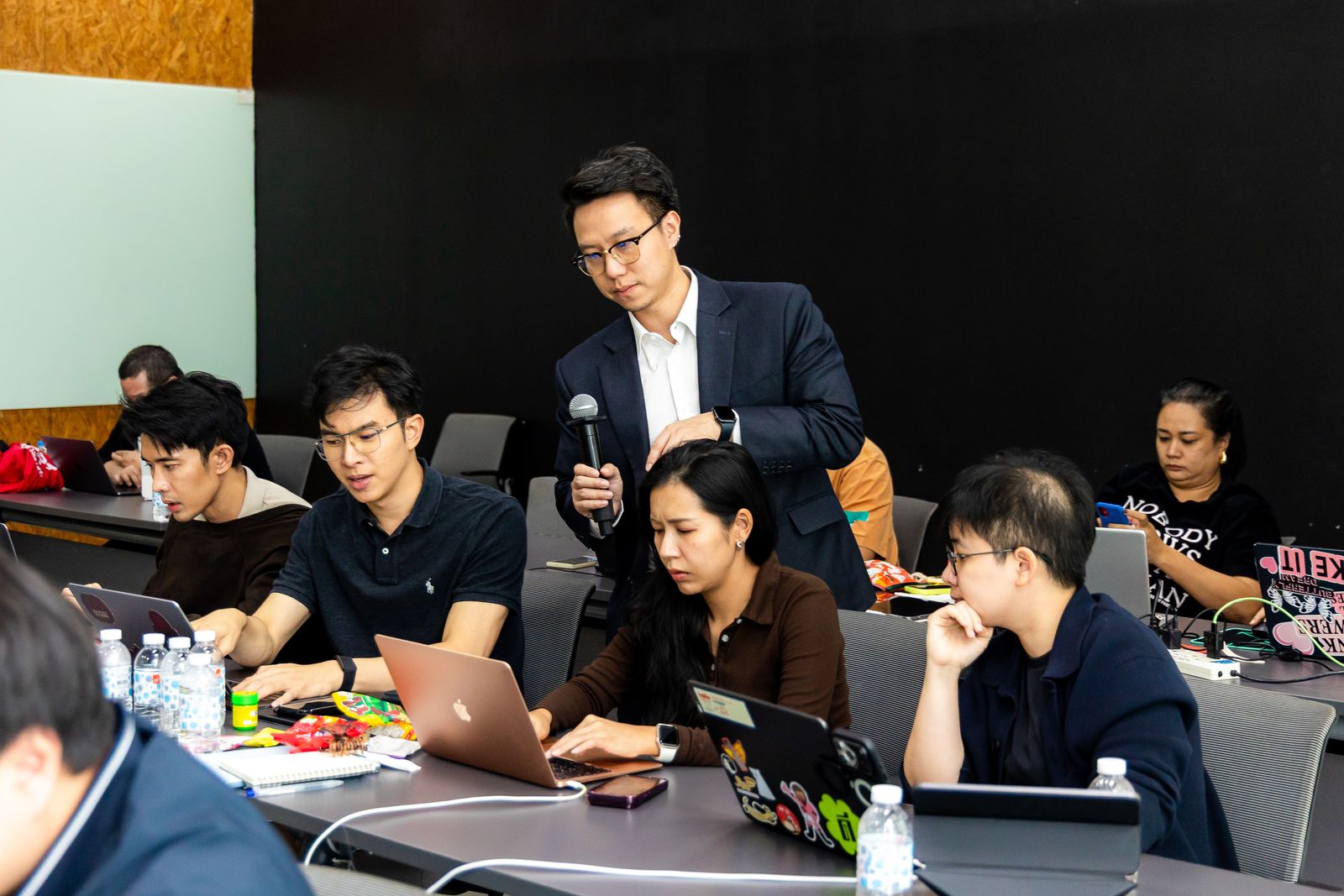
Business and tech together
Map a real process, find the waste, redesign it, then decide where AI and automation pay off.

Practical
Participants apply Claude, ChatGPT, AI agents and workflow automation to their own business tasks.

Build
Teams build prototypes, test ideas and solve a real business challenge with AI in a set time.
Sample agendas
Three days we run often. Every module ends with something the team keeps, and every agenda is reshaped around your workflows before the day.
1 day · about 30 people · 6 mixed business and tech groups
Morning
One opening case, then one case per fallacy with a question to the room.
Output: a shared language for the day
Groups write pains, cluster them, score impact and ease, and size the waste for two or three candidates.
Output: one problem statement with estimated waste
Tech members interview business representatives and place four-color cards on swimlanes with processing and waiting time.
Output: As-Is map, first baseline, data gaps
Afternoon
Root cause, then card-by-card redesign: eliminate, combine, rearrange, simplify, and only then automate.
Output: revised map with a new lead time
Leading and lagging KPIs, a KPI interview, and an FTE saving calculation.
Output: measurement plan and FTE estimate
A five-minute pitch and a three-minute challenge per team, with peer scoring.
Output: a scored redesign and next steps
1 day · a morning speed run of every feature, an afternoon redesigning one real process
Morning: speed run
Chat, files and images, and prompts that give usable output on the first or second try.
Output: a prompt pattern for your own tasks
Shared knowledge and standing instructions for a team, a client or a recurring piece of work.
Output: one project set up with your real documents
Package a repeat task, such as a report format, a house style or a checklist, so Claude does it the same way every time.
Output: a working skill for one of your tasks
Claude works through your files and apps end to end: sorting folders, building documents, filling sheets.
Output: one multi-step task finished by Claude
Build a small tool or automation without being a developer, and check that it actually works.
Output: a script or mini app that runs
Afternoon: process redesign
Write pains, cluster them, and score impact and ease to choose one process worth fixing.
Output: one problem statement with estimated waste
Interview the people who run the process and map it on swimlanes with processing and waiting time.
Output: As-Is map and a first baseline
Eliminate, combine, rearrange and simplify first. Then decide which steps a project, a skill, Cowork or Claude Code takes over.
Output: revised map with the Claude feature for each step
Leading and lagging KPIs, then a short pitch per team with peer challenge.
Output: measurement plan and next steps
1 day · use-case-based learning on Sheets, Gmail, Forms and Workspace
Morning: sheet, email, trigger, form
Why most business automation reads, matches, cleans and updates structured data, and how Apps Script sees a sheet.
Output: read any sheet as a table
Answer business questions with a helper library instead of hand-written loops, join two tables, and write results back.
Output: a summary built from procurement-style data
Send personalized emails from a sheet, track their status, and read and search the inbox for invoices or quotations.
Output: a follow-up email flow
Time-based triggers that run on a schedule, and event triggers that act on each Google Form submission.
Output: an automation that runs without anyone pressing a button
Afternoon: vibe, dashboard, plan
Prompt rules that make AI-written code use the library, ask for exact column names, and prove its result with a check.
Output: AI-written code you can trust
An HTML dashboard that runs as an Apps Script web app, fed only by Google Sheets.
Output: a live dashboard on your own data
Scheduled and event-driven agent flows, such as a weekly case report written and sent every Monday morning.
Output: one working Workspace Studio flow
Map your own workflow with four cards. Standard track: a complete blueprint. Challenge track: a first working prototype.
Output: an automation blueprint or prototype
What makes our training different



In their words
ไม่ใช่แค่เรียนให้รู้ แต่ลงลึกจนกลับไปแล้วใช้งานได้จริงทุกวัน แนะนำอย่างยิ่งค่ะ
“Not just learning about it. It goes deep enough that you go back and use it for real, every day. Highly recommended.”
hear it from them · 76 sec
“ก่อนหน้านี้ใช้ทั้ง Gemini และ ChatGPT และคิดว่าตัวเองใช้เป็นแล้ว แต่พอได้มาเรียนจึงรู้ว่าเรารู้จัก AI แค่สิบเปอร์เซ็นต์เท่านั้นค่ะ”
“I used Gemini and ChatGPT and thought I already knew how. After the class, I realized I knew only about 10% of AI.”
“เหมือนได้ผู้ช่วยอีกคนที่เข้าใจงานของเรา และช่วยงานในหน้าที่ของเราได้มากจริง ๆ ค่ะ”
“Like having another assistant who understands my work. It genuinely helps with my own job.”
“เรารู้ว่าต้องสั่งงาน AI แต่จะสั่งให้เป็นต้องทำอย่างไร วันนี้ได้คำตอบแล้วครับ”
“We knew AI needs instructions, but how do you instruct it well? Today we got the answer.”
“ไม่คิดเลยว่า AI จะช่วยแบ่งเบางาน และดึงข้อมูลที่เข้าถึงยากออกมาได้ง่ายขนาดนี้ค่ะ”
“I never thought AI could take this much work off my plate and pull out hard-to-reach information this easily.”
Practical
“เป็นพื้นฐานที่นำไปใช้ได้กับทุกงาน ไม่ใช่เฉพาะงานที่อาจารย์ยกตัวอย่างในห้องค่ะ”
“A foundation you can apply to every kind of work, not just the examples from class.”
Expertise
“ไม่อยากรู้แค่ผิวเผิน จึงเลือกมาเรียนกับผู้เชี่ยวชาญครับ”
“I didn't want to just scratch the surface, so I chose to learn from experts.”
Act right away
“พอเรียนจบวันนั้น นุ๊กกลับไปลงมือใช้งานจริงทันทีค่ะ”
“The day the class ended, I went home and put it to work right away.”
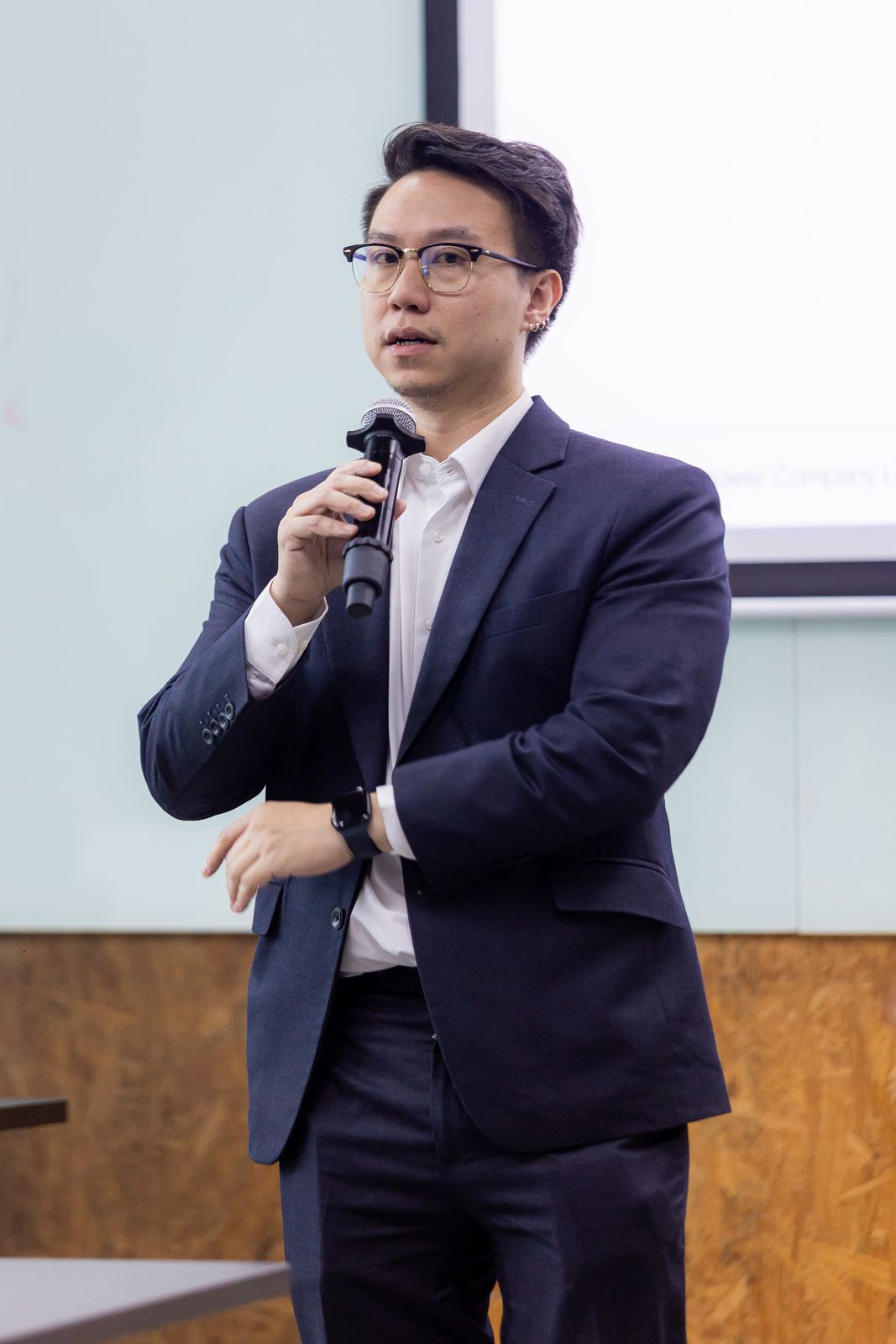
Joe, your instructor
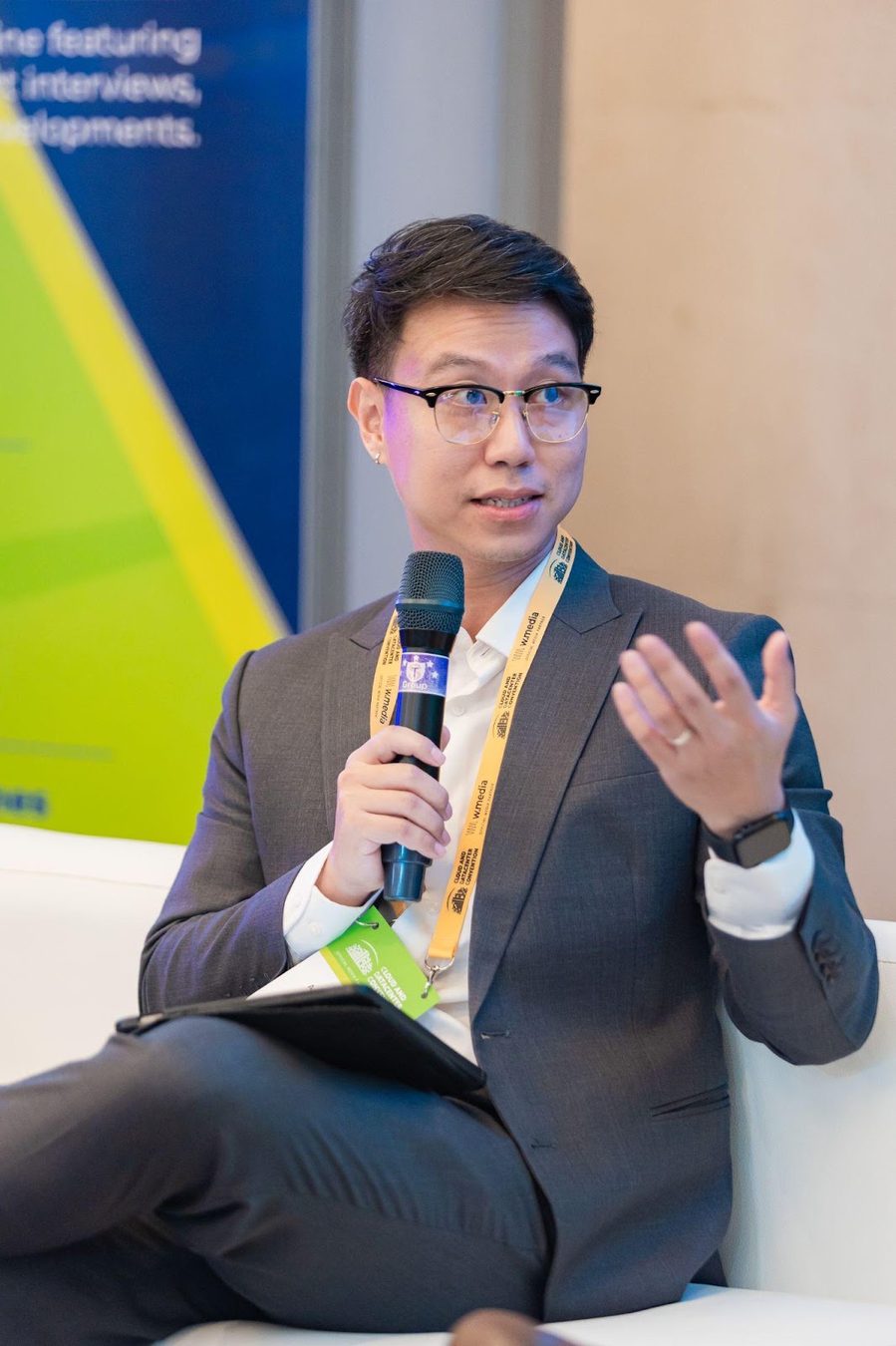
Apiwit (Joe) Puangsricharern
Founder and CEO, IM IMPOWER
Instructor, True Digital Academy
Chulalongkorn University: Mechanical Engineering; Master in Managerial Economics
Your instructor
For more than ten years Joe has worked directly with CEOs and business owners in Thailand, Singapore and Malaysia to redesign operating processes and build the data and AI systems that run them. His sectors include retail and consumer electronics, hotel and travel, consumer brands, and healthcare. His team designs, builds and runs the systems it recommends.
In healthcare he has worked on medical computer vision with Chulalongkorn Hospital and collaborates with Mahidol University on computer vision research for skin cancer.
A note from Joe
Most AI training shows tools. People leave impressed, go back to their desks, and nothing changes. My team builds and runs AI systems for clients every week, so we see what survives contact with real operations and what does not. That is what I teach.
Every workshop starts from the work your people already do. We map it, find where AI genuinely saves time, and build it in the room. By the end, I want every participant to have something working that they will use the next morning.
Joe
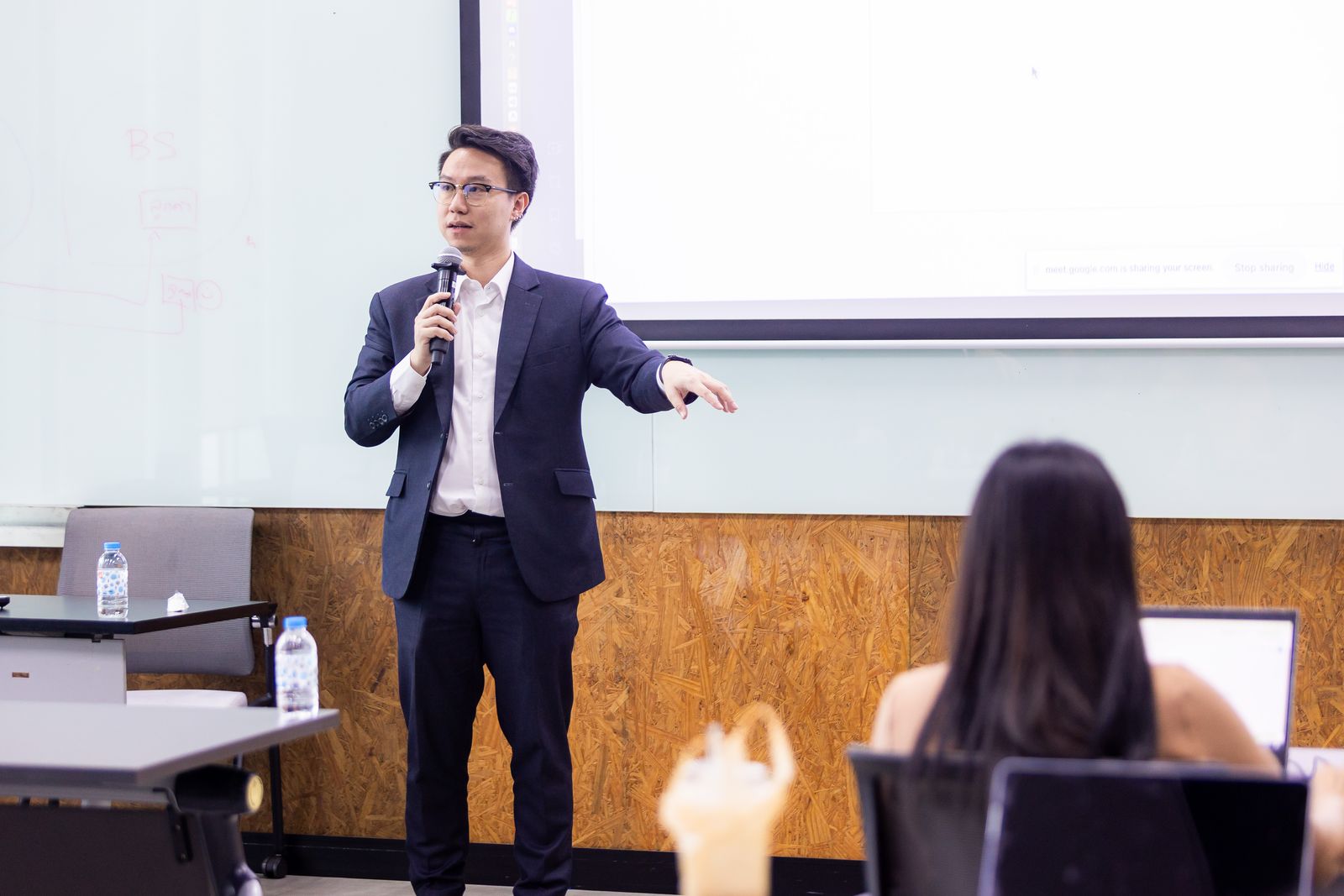
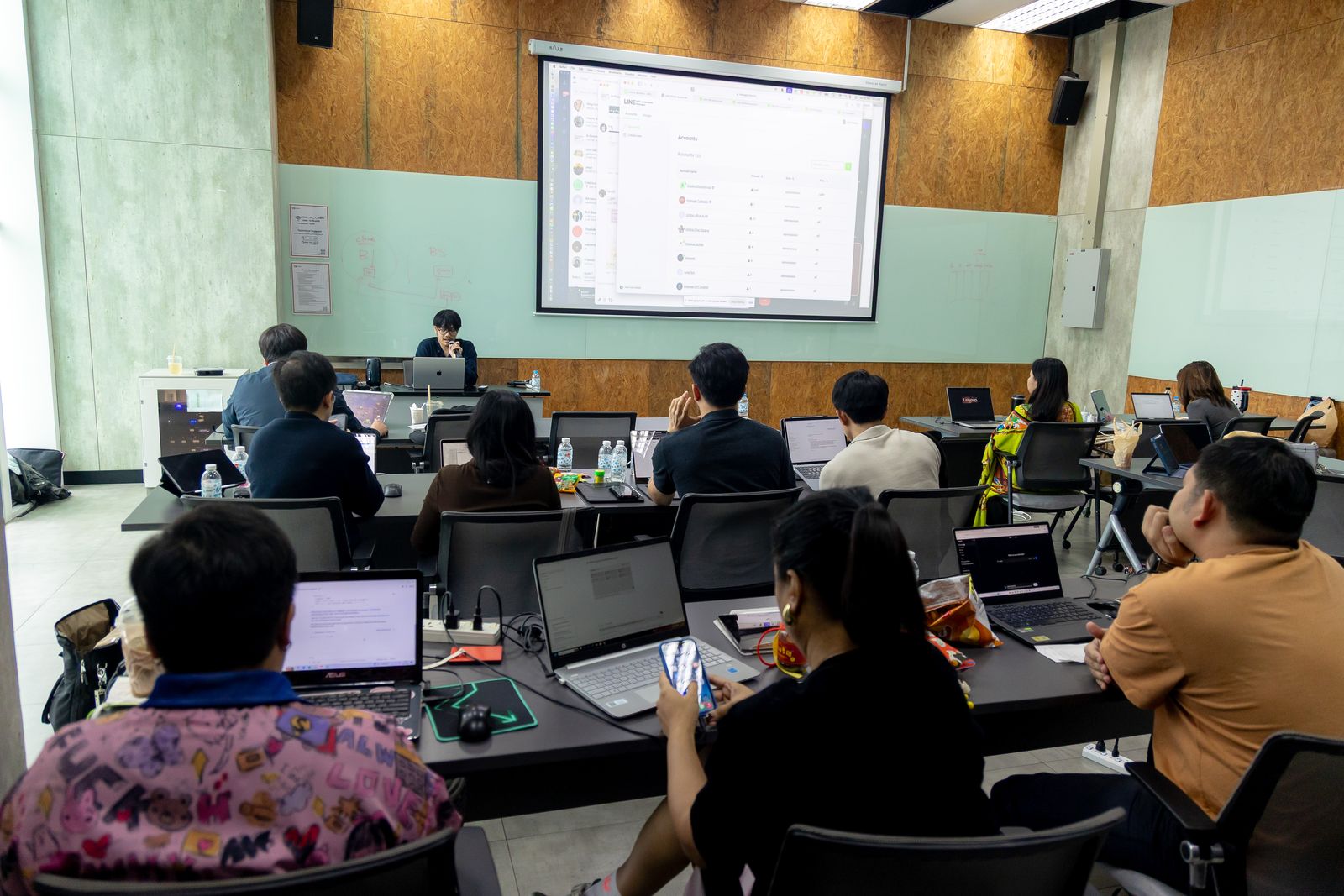
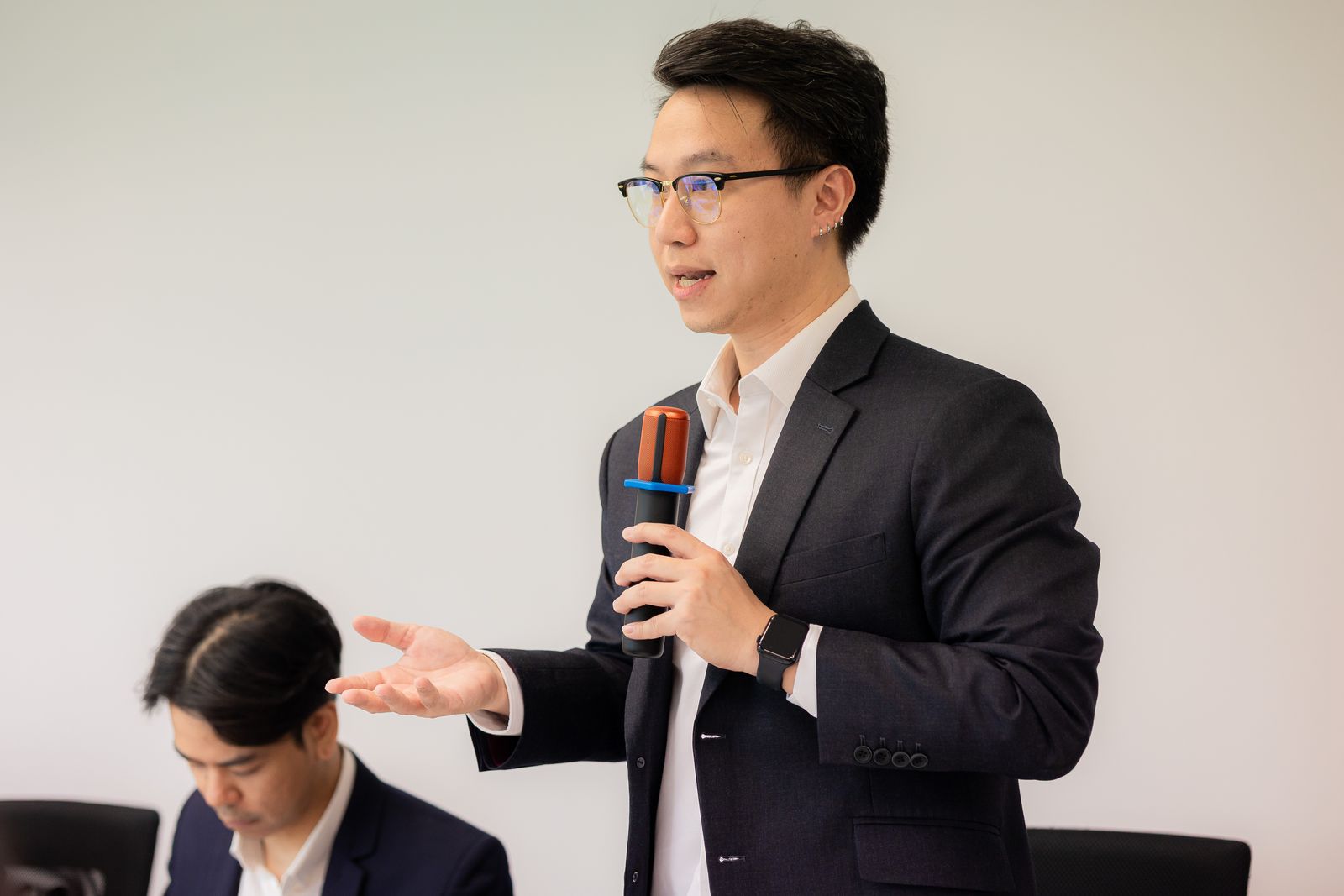
inside the room


Contact us
Tell us about your team. We will recommend a format, shape the content around your workflows and send a proposal.